The model contains the most popular formats:
- 3DS MAX: *.max
- Blender: *.blend
- Rhinoceros: *.3dm
- SketchUp: *.skp
- Wavefront OBJ: *.obj *.mtl (Multi Format)
- FBX: *.fbx (Multi Format)
- STEP: *.step *.stp (NURBS)
- IGES: *.iges *.igs (NURBS)
- ACIS: *.sat (NURBS)
- 3DS MAX all ver.: *.3ds (Multi Format)
- Stereolithography: *.stl
- AutoCAD: *.dwg
- Each file was checked for opening and full content by the model.
- The 3D model was created on real base. It’s created accurately, in real units of measurement, qualitatively and maximally close to the original.
- Renders Are made in Luxion Keyshot
- “WE PROVIDE 3D MODEL CHEAP PRICE BUT WITH GOOD QUALITY”
- If you need any other formats we are more than happy to make them for you. Contact me for any question :)
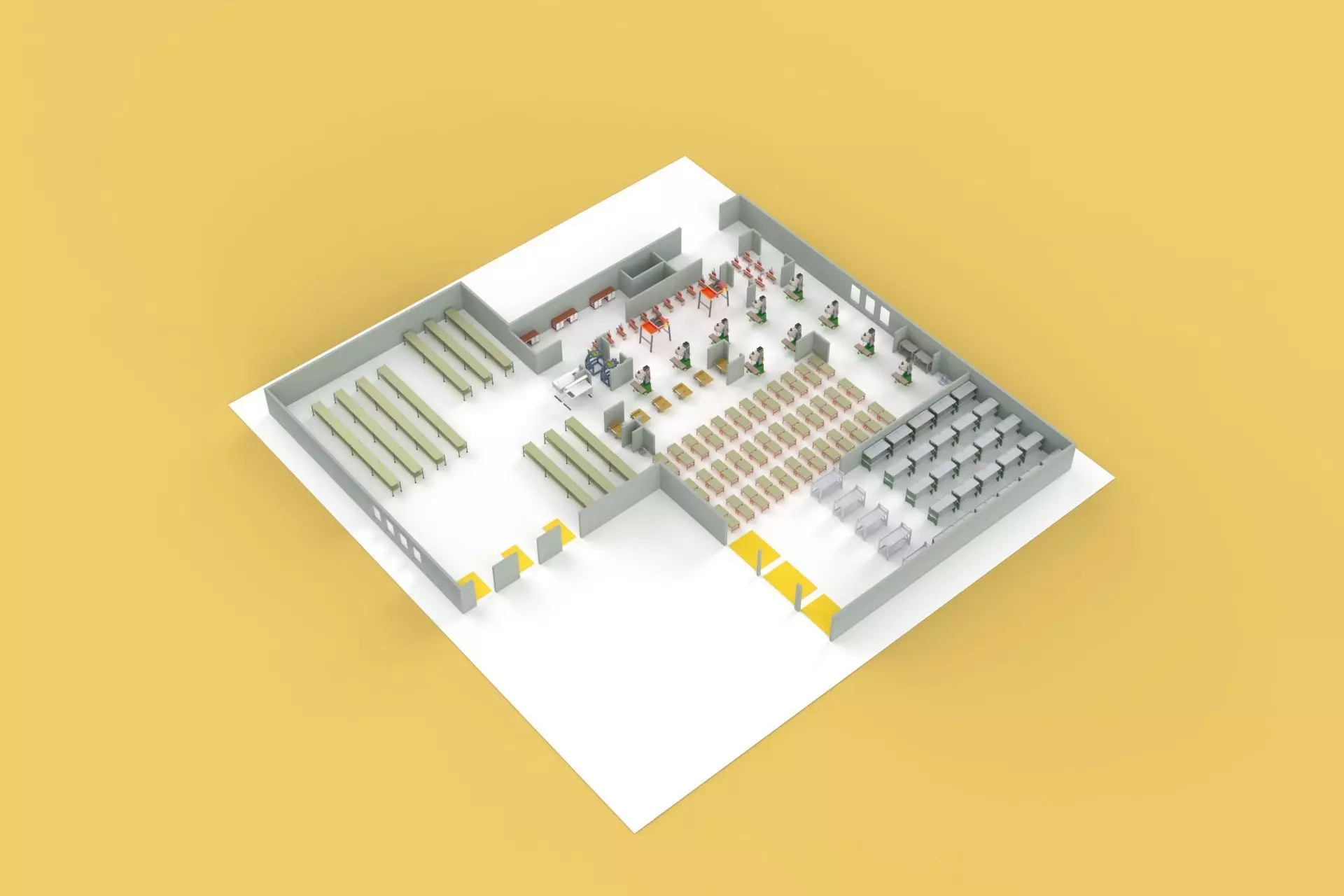
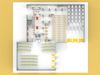
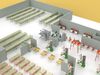
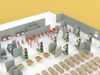
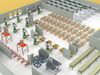
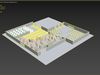
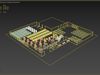
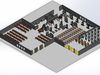
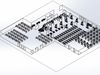
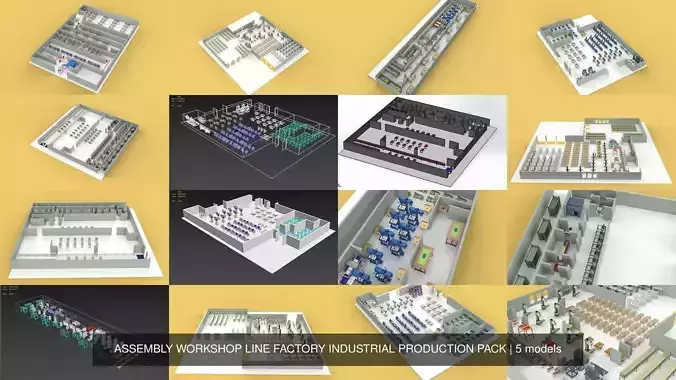
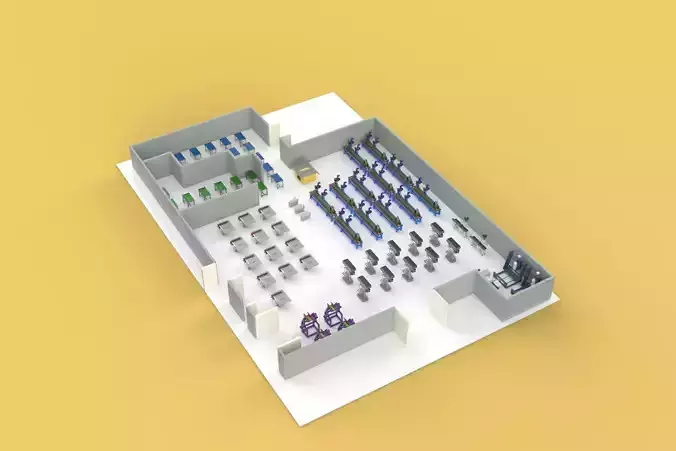
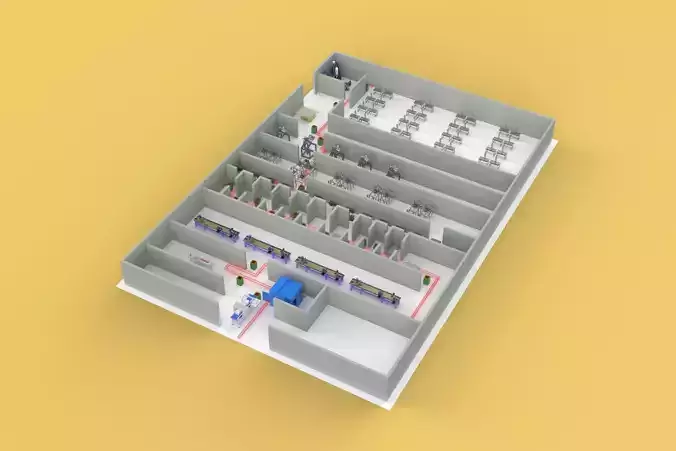
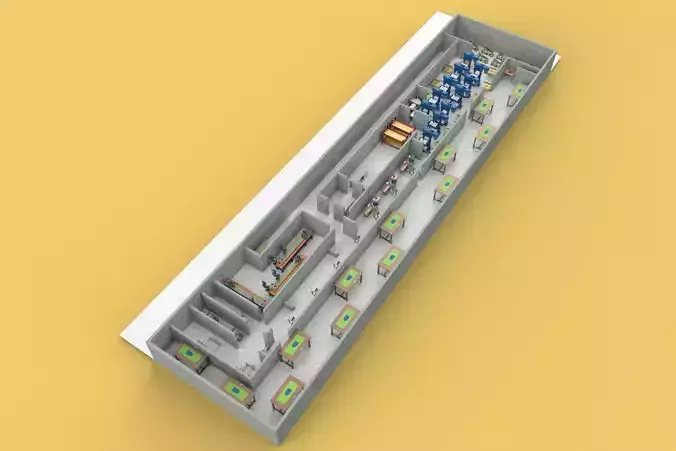
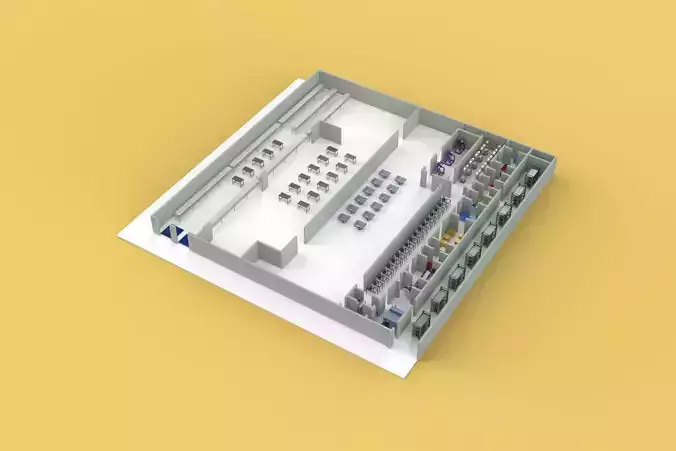
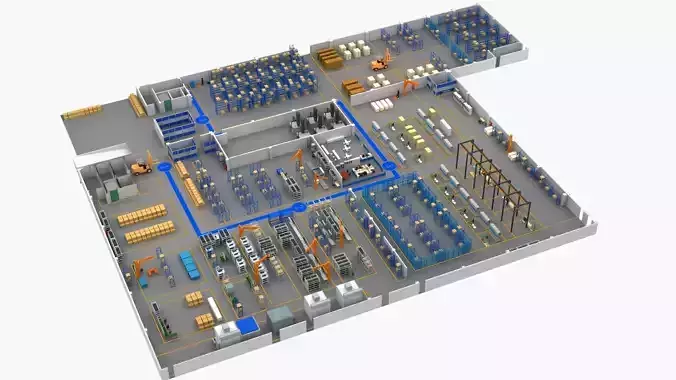
Sincerely Your, SURF3DMORE INFORMATION ABOUT 3D MODELS :An equipment layout workshop line factory industrial floor plan is a detailed blueprint that shows the arrangement of machinery, workstations, and other equipment within a factory setting specifically for a production line. It visually depicts the flow of materials and products as they undergo various stages of processing or assembly.
Here's a breakdown of the key elements:
Equipment: This includes all the machines, tools, and other physical assets used in the production process. The plan will show the location and orientation of each piece of equipment.Workshop Line: This refers to the specific sequence of workstations and equipment through which a product progresses during its manufacture. The layout will illustrate the flow of materials between these stations.Factory Setting: The plan depicts the overall layout of the factory floor, considering factors like building dimensions, support structures, and access points for deliveries and shipments.Industrial Floor Plan: This is the foundation of the layout, showing the walls, doors, windows, and any permanent fixtures within the factory space.Benefits of an Equipment Layout Workshop Line Factory Industrial Floor Plan:
Optimizes workflow: By visualizing the flow of materials and products, the plan helps identify bottlenecks and improve efficiency.Minimizes travel distances: A well-designed layout positions equipment strategically to reduce the distance materials need to travel during processing.Improves safety: The plan can consider safety protocols, ensuring proper spacing between equipment and designated walkways for workers.Facilitates communication: A clear visual layout makes it easier for everyone involved in production to understand the overall process.Additional Considerations:
Storage areas: The plan should designate space for raw materials, finished goods, and any work-in-progress inventory.Employee safety zones: Break rooms, restrooms, and emergency exits should be clearly marked.Utility access: The layout should consider the location of power lines, water pipes, and other utilities required for equipment operation.By carefully planning the equipment layout, workshop line, and overall industrial floor plan, factories can create a more efficient, safe, and productive working environment.