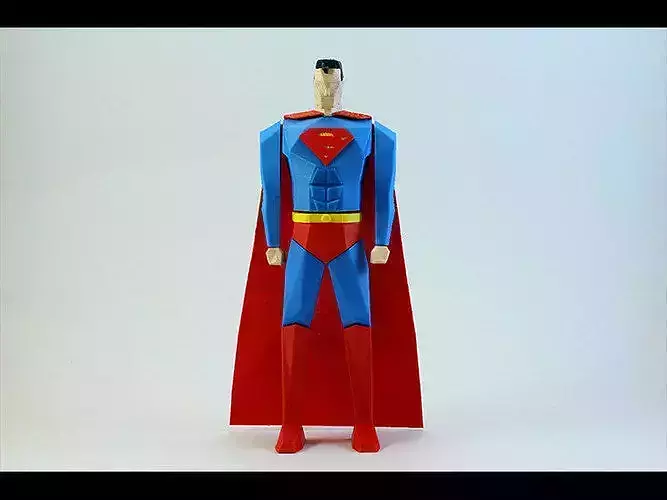
Print instructions
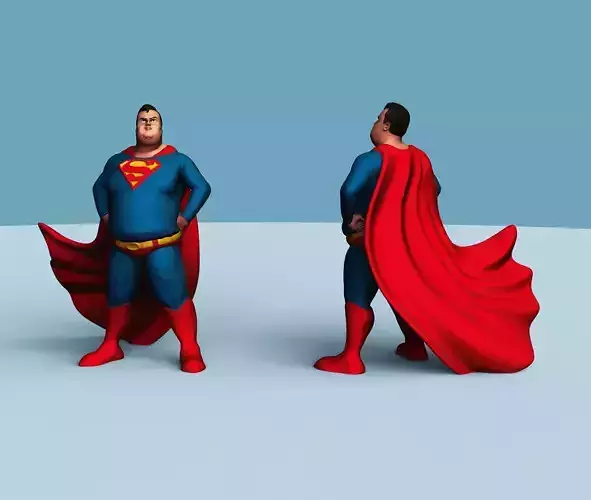
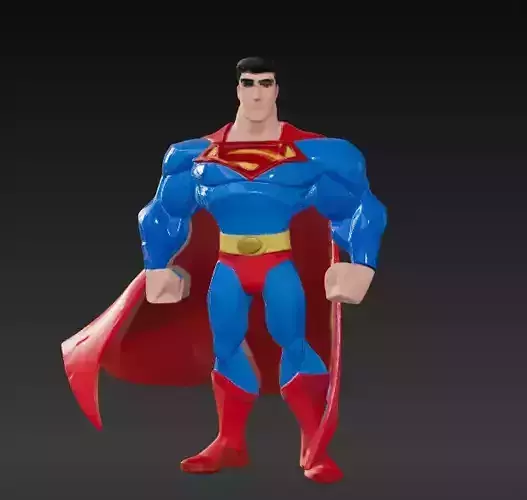
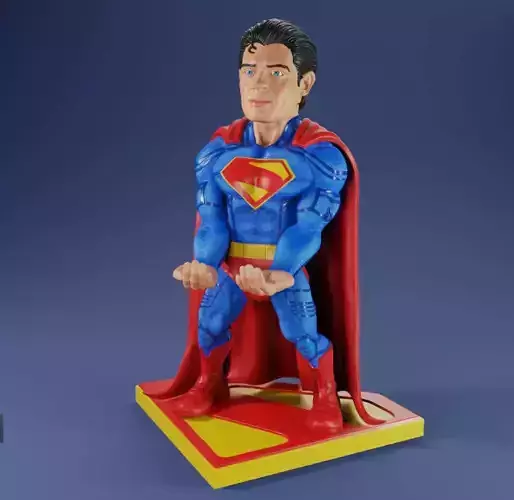
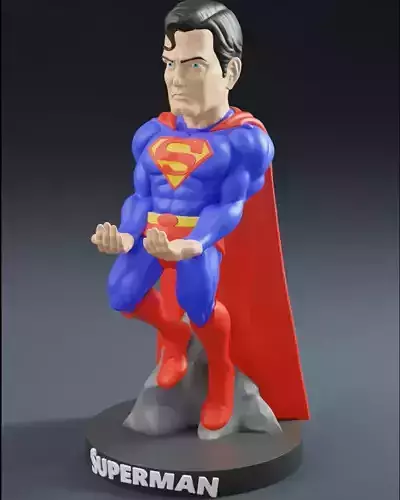
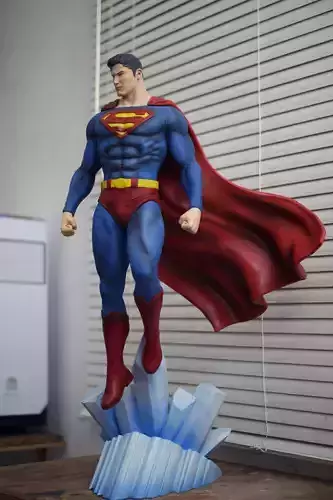
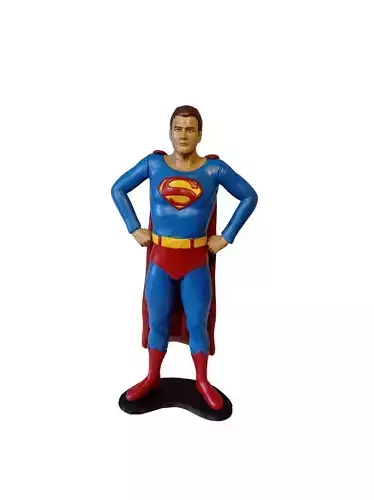
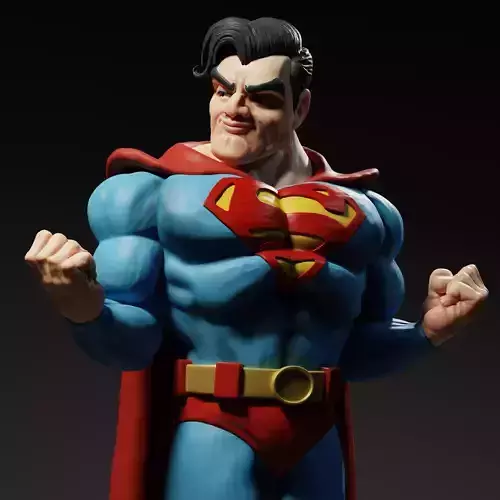
It's a very easy model to print. I have grouped the STLs by color. If you want, you can print your superman in one color and paint it by hand, as I did with superman's face and hands to match the skin color.Files included are: 1. White Parts (face, hands)2. Blue Parts
- Red Parts4. Hair (print it with black filament) 5. Connectors. Cylinders and 2 squares to connect the parts. Depending on the printer you use and the materials, you might have to sand a little the connectors for a perfect fit.6. Plastic Cape. This is the most tricky part to print because of the geometry. I used the orientation I already have in the stl. Just try to give it a 3mm offset from the build table so it gets printed on top of support material. The support settings I used and that were successful were:2mm pillar resolution, 30 deg max overhang angle, 30% support infill.7. Superman sign. You can print it one color or change filament color at 0.4 mm. Start with red filament change to yellow.
- Pants. You can print it one color or change filament color at 3,5 mm. Start with yellow change to red.
If you can't print the back you can always use a fabric one which makes it look more natural. Just buy a cheap cloth piece and cut it in the shape of superman's cape.As always slow printing gives the best results. I printed it in PLA at 195 degrees, 20% infill, speed 40mm/s and no supports were needed except for the cape and the face to hold the jaw.