DESCRIPTION

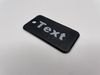
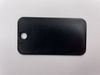
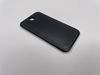
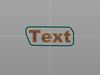
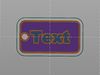
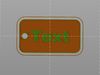
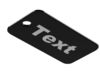
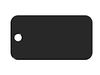
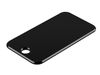
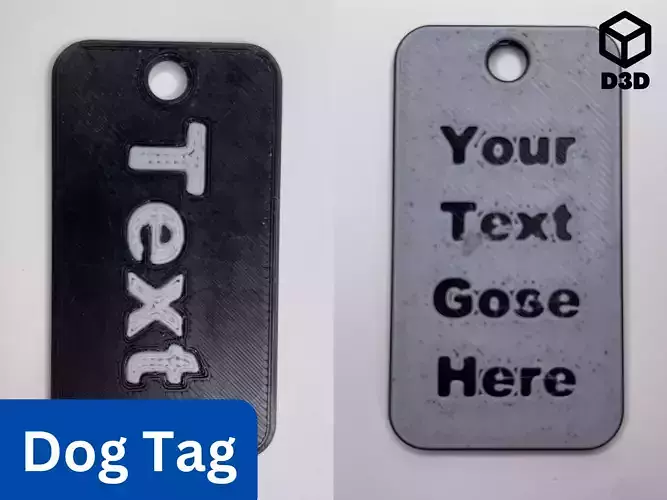
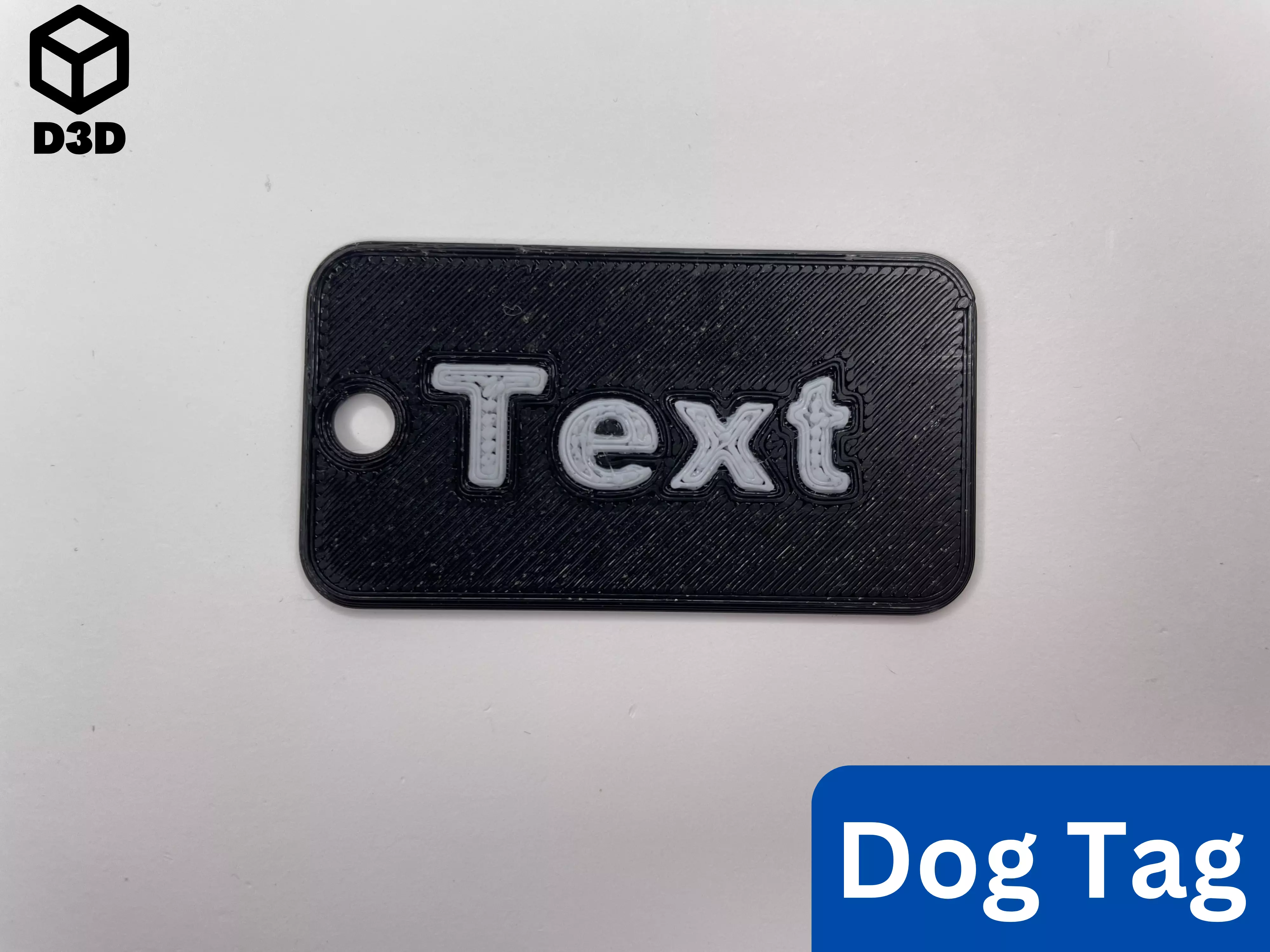
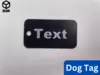
This is a one-sided customizable dog tag. It was designed in Fusion 360 and can be modified for many purposes.

Print Instructions

  • Material: PLA or PETG (two different colors)
  • Supports: No
  • Orientation:
    • Print all the pieces face down

Assembly/Instructions

Note: This print employs either a layer swap or the multi-pass printing method (detailed by Make Anything in Multipass Multicolor using Prusa Slicer // Single Extruder Multicolor 3D Printing). A layer swap simply involves adding a pause to your print and then changing the filament so that the text stands out against the background. Multi-pass printing is slightly more involved, but it can yield phenomenal results.

  • Layer Swap (For Single Extruder Printers)

    • Prep
      • Modify the .f3d file for your purposes
      • Export your dog tag with just the body of the dog tag and not the text in the file or download the “Dog Tag (One Sided) - Body” file for an example
      • Import that file into your slicer
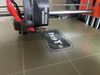
      • Add a print pause so that the text contrasts with the background (as shown in the photo)
      • Ensure that the text is facing the build plate for the best results
    • Printing
      • Print the file
      • Change the filament at the pause to a contrasting color
  • Multi-Pass Printing Method (For Single Extruder Printers)

    • Prep
      • Modify the .f3d file for your purposes
      • Export your dog tag with the body of the dog tag and text in the same file or download the “Dog Tag (One Sided) - All” file for an example
      • Import that file into your slicer
      • Ensure that the entire file, including the text and the body of the dog tag, is oriented with the text facing the build plate
      • Ensure that the text is lined up with the holes in the body of the dog tag
      • Delete the body of the dog tag
      • Then slice that file with just the text
      • Undo the deletion of the body of the dog tag
      • Ensure that everything is still lined up
      • Delete the text
      • Slice the file with just the body of the dog tag
    • Printing
      • Print the file with the text, in whatever color you want
      • Remove any purge lines from the build surface, but leave the text on the build plate
      • Print the file with the body of the dog tag on top of the text
      • Change the color of the filament between the file so that the body of the dog tag contrasts with the text
  • MMU or MMS

    • Prep
      • Modify the .f3d file for your purposes
      • Export your dog tag with the body of the dog tag and text in the same file or download the “Dog Tag (One Sided) - All” file for an example
      • Import that file into your slicer
      • Ensure that the entire file, including the text and the body of the dog tag, is oriented with the text facing the build plate
      • Ensure that the text is lined up with the holes in the body of the dog tag
      • Assign one color to the body of the dog tag and one color to the text of the dog tag

If you enjoy this model, please leave a like and a comment. Please contact me if you have any questions, concerns, or problems.
REVIEWS & COMMENTS

See what other buyers think about this model - real feedback on quality,
accuracy, and usability.
There are no reviews or comments yet. Please be the first one to write it.
BEST PRICE GUARANTEED
Found this model cheaper on another marketplace? Let our support team know - we’ll match it.

One-Sided Customizable Dog Tag Fusion 360 3D print model

Editorial License (no AI)
Hire
Like this model to show appreciation to the designer.
See how many times this model was viewed.
Share this model to support the designer and boost their visibility.
File formats
STL
Stereolithography | 3 files<br />File Size: 699 KB
OBJ
OBJ | 3 files<br />File Size: 441 KB
3MF
3D Manufacturing File | 3 files<br />File Size: 325 KB
F3D
Autodesk Fusion 360<br />File Size: 702 KB
Provided by designer
Information and details shared directly by the model's designer.
3D printing
Indicates whether the designer marked this model as suitable for 3D printing.
Model is prepared for 3D printing
The designer indicates this model is prepared for physical 3D printing and includes printable file formats.
Units
Publish date
Model ID
Chat