Blender Only - Feel free to purchase and adapt!
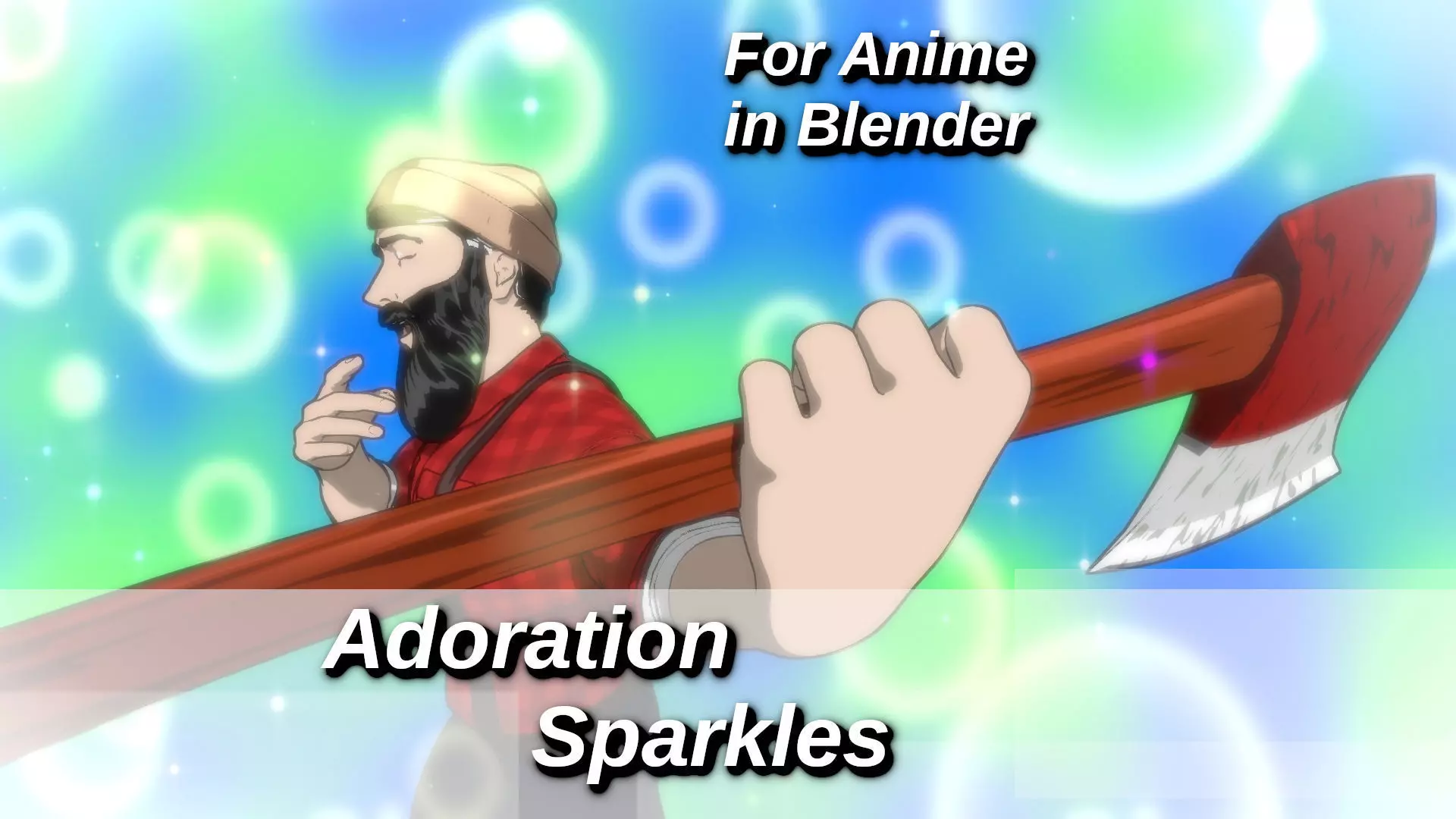
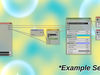
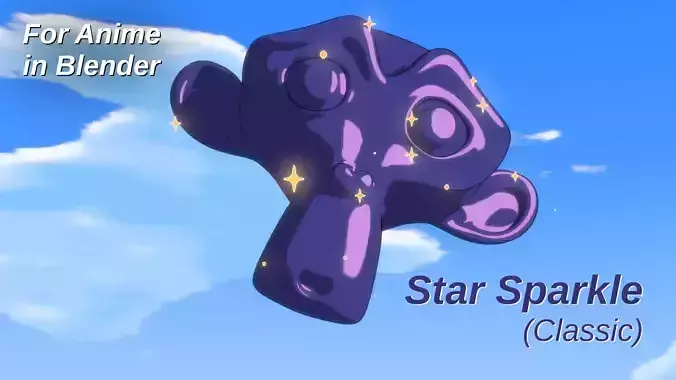
I love doing compositing for anime stuff in 3D! This is no different! Based on my original tutorial on the same topic, this one brings a higher quality result, better design, it's already animated and more! Skip the queues, save the build time and buy the finished piece;
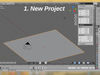
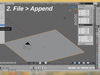
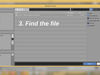
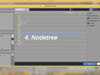
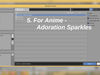
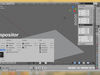
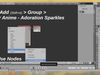
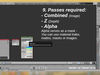
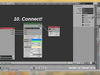
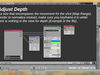
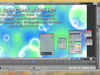
READY TO GO! :DCheck the images for how to add it - Super easy!
Got your own background you'd prefer? No problem!Plug it into both colors for the background!
My fav part of this nodegroup is that it integrates with your shot - which means the bubbles and stars move through and around the objects in the scene using parallax!
A MASSIVE timesaver for any project utilization the anime visual language!
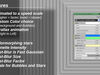
Features:
-
Animated to a speed scale - Default 1; higher = faster, lower = slower
-
Custom Color choice; Background and Bubbles
-
Parallax animation; Right to Left
- Colormorphing stars
- Vignette Intensity
- Post-Blur is Fast Gaussian
- Post-Blur Size
- Post-Blur Factor
- Scale for Bubbles and Stars
It adds easily to a project:
- File, Append, Downloaded blend, Nodegroups, Quick Progressive Defocus (10 Layer).
- Note that it does not show in the compositor until you tick for it to use nodes. Once you do, it's listed under groups.
- You can choose to make this node part of your default project, just add it, click the shield for fake user, remove it and press Ctrl+U when you're back to the default view you wanna see when you open the project.
Lumberjack + Axe character is (C) Marius Oberholster
CAUTION: I strongly encourage FullHD and up as your standard resolution with this, but no lower 50% HD - 50%HD is great for spot-checking.
As always, use at own risk!