VdbRemesh
- VdbRemesh is a C++ based Multi-threaded, openvdb based remeshing modifier plugin for 3dsMax.
- It comes with a procedural filter stack that has 10 filters ready to be applied in any order.
- Since it is a volume based modifier, it works much different than the traditional surface modifiers.
- Since it is a procedural modifier, you can add more than one vdb remesh to an object with different settings.
- It produces only quads if the adaptivity settings is zero.
It can be used to
-
smooth the edges of hard surface cad models.
- post-process 3d scans for removing the unwanted holes, smoothing out the surface.
- generate a smooth high poly model from a low-poly
- generate a nice proxy mesh for a high poly model
- generate low-poly clean mesh for a bake operation.
- generate closed 3d printable meshes from regular surface meshes
- explore new 3d forms without the restriction of topology
- make the surface topology uniform, ready for a sculpt or a simulation
- generate non-intersecting shell operation
It can be used with
-
PolyCloth: Use VdbRemesh to make an object's surface topology uniform, ready for a nice polycloth experience.
-
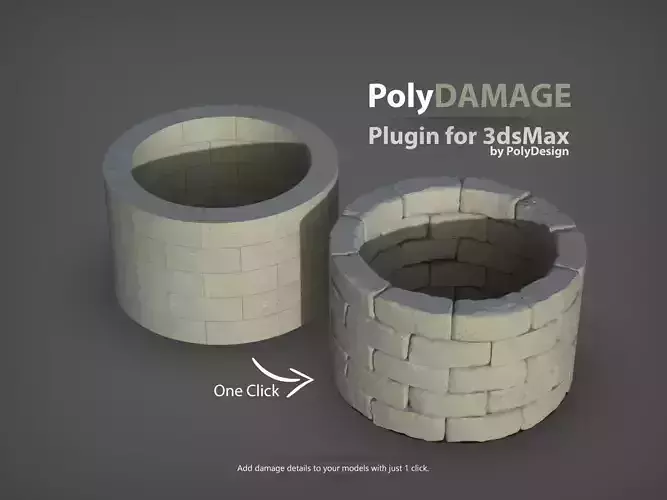
PolyDamage: Use VdbRemesh to further smooth the damaged areas, thus having better shading and a cleaner normal map bake
-
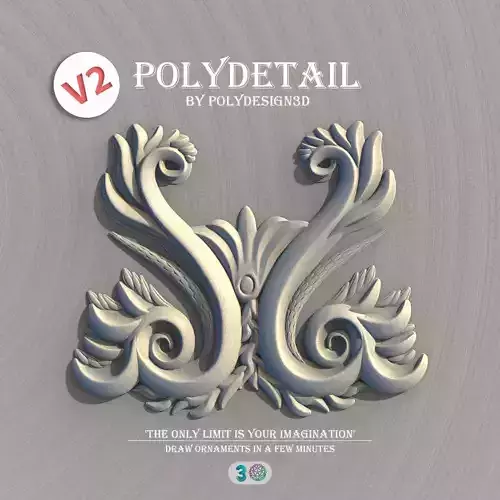
PolyDetail: Use VdbRemesh to combine all of the polydetail strokes, thus creating 3d printable, non-intersecting, closed clean meshes.
-
RockGenerator: Use VdbRemesh to combine multiple rock objects into a single one.
Settings
-
Voxel size: for changing the resolution of the final mesh.
-
IsoValue: to determine where the surface will be generated.
-
Adaptivity: removes all unnecessary polygons and reduces the polycount significantly. It only adds more resolution where needed.
-
Smoothness: lets you apply smoothing to the final volume.
-
Combine elements: It combines all of the elements of the input mesh as a single closed mesh. To remesh each element individually, disable this setting.
-
Use Smoothing Groups: It enables the smoothing groups so the surface does not look faceted.
-
Smooth Normals: It is a custom algorithm to further smooth the surface by explicitly defining each normal.
-
Filter Stack: A procedural filter stack that you can add/remove filters in any order.
-
Filters: There are 5 different smoothing algorithms (Laplacian, Gaussian, Mean, Mean Curvature, Median), 2 morphological erode/dilate filters, 3 custom additional filters(Open, Close, Thickness)
VdbRemesh can work on both open surfaces (add a dilate filter) and closed meshes.However, the output will always be a closed mesh
What's New at v1.01- Added support for 3dsMax 2023.
What's New at v1.02- Added support for 3dsMax 2024.
VdbRemesh only supports 3dsMax 2017, 2018, 2019, 2020, 2021, 2022, 2023, 2024.
Stay Creative