OVERVIEW
This product is a less expensive version of our product Nuts clean used dirty, which you can find here:
https://www.cgtrader.com/3d-models/industrial/tool/nuts-clean-used-dirty
This set has the same models as the product above, but you get it in more formats and without the textures and materials.
CONTENT
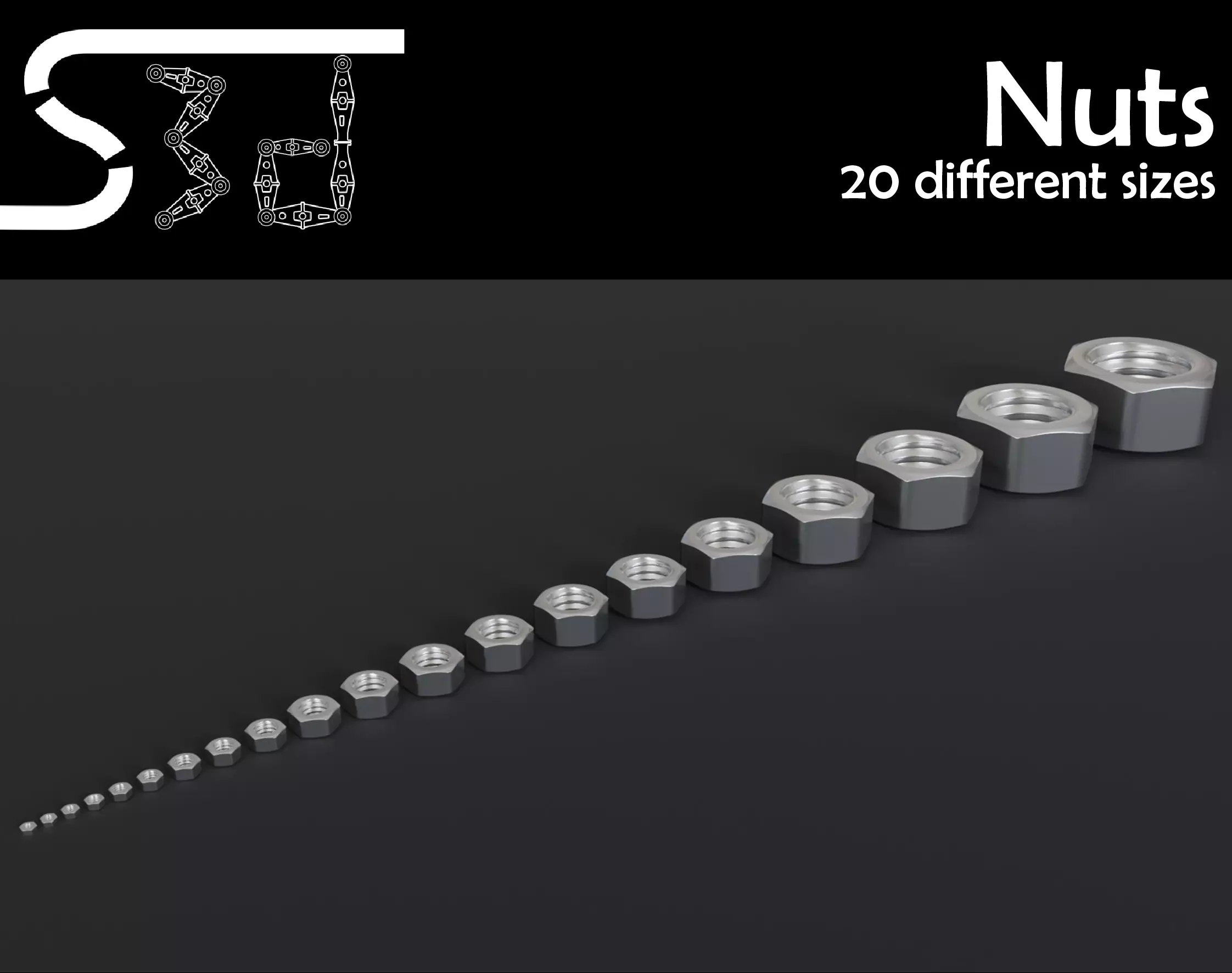
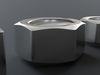
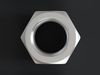
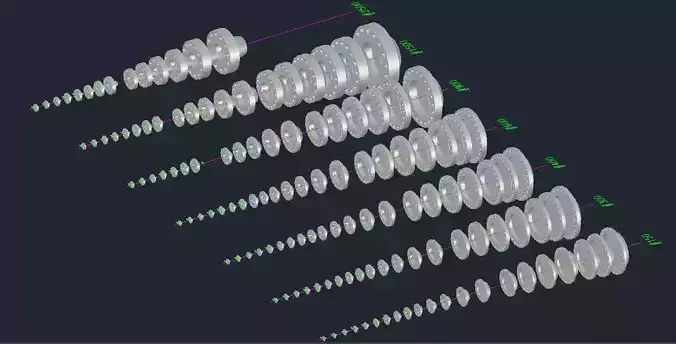
This product contains the following sizes of Nuts (modeled after ISO 4032):
- M2.5
- M2.6
- M3
- M3.5
- M4
- M5
- M6
- M7
- M8
- M10
- M12
- M14
- M16
- M18
- M20
- M24
- M30
- M36
- M42
- M50
POTENTIAL ISSUES
The original nuts have been modeled in a quad-based workflow. Unfortunately, two of the formats triangulate the mesh, which means that we can't guarantee a quad-mesh (Only with those formats, the other formats are fine!).
The two formats which convert everything into triangles are:
If you don't use those formats or if you don't care about triangles, that's fine.
But if you want a mesh built with quads, of course we have a solution: You would have to convert all the triangles into quads. This is how you do it in the major 3D software:
-
Autodesk 3ds Max: Under Geometry (All) choose Quadrify
-
Autodesk Maya: Go to Mesh>Quadrangulate
-
Cinema 4D: Under Optimize choose Untriangulate
-
Blender: Go into edit mode, press Alt+J (or Face>Tris to Quads)
Also, the glTF format creates some duplicate vertices, which can cause some issues. To solve it, follow these steps:
-
Autodesk 3ds Max: This video should help: https://www.youtube.com/watch?v=RLQK-QUMww4&feature=emb_logo
-
Autodesk Maya: Probably this could help: https://forums.autodesk.com/t5/maya-modeling/overlapping-vertices-please-help/td-p/7214712
-
Cinema 4D: Go to Mesh>Commands>Optimize (See also https://www.youtube.com/watch?v=MSj1UpOS6uA)
-
Blender: Go into edit mode, go to Mesh>Merge>By Distance (Sometimes you should experiment with the Merge Distance, which you can change if you press F9 directly after the merging)
We hope, the instructions solved the problems. If something doesn't work for you, ask on software-specific forums for help, use another format or contact us at sorg3d@gmail.com.
TECHNICAL DETAILS
Polycount:
Each Nut has 337 (low resolution), 1,356 (mid resolution) or 5,424 (high resolution) Vertices, which is equal to 674 (low resolution), 1,356 (mid resolution) or 10,848 (high resolution) Polygons.
In the Low-resolution, all 20 Nuts have 6,764 Vertices, equal to 13,528 Polygons.
In the Mid-resolution, all 20 Nuts have 27,216 Vertices, equal to 54,432 Polygons.
In the High-resolution, all 20 Nuts have 108,480 Vertices, equal to 216,960 Polygons.
FORMATS
The models are available in the Alembic, Collada, FBX, glTF, OBJ and STL Format.
USE AS Alembic, Collada, FBX, glTF, OBJ or STL
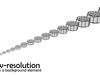
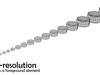
The resolution you should choose depends on the distance to the camera:
- Low resolution: If the Nut is in the background
- Mid resolution: If it is somewhere in the foreground
- High resolution: If the Camera gets really close
USE IN BLENDER
We made a YouTube tutorial on how to import and customize our models in Blender. Click the link below to watch it:
https://www.youtube.com/watch?v=F4lGpf_4ZIM
WANT THE TEXTURES?
If you already bought this product, but then decide that you want the version with the textures instead, of course you don't need to buy the other product. If you just e-mail us, we will provide you with the textures for an extra charge of the remaining price (19$ - 9$).
Of course, if there are any problems, questions or additional wishes, you can contact us at sorg3d@gmail.com. We will reply as soon as possible!
Enjoy the product!