DESCRIPTION

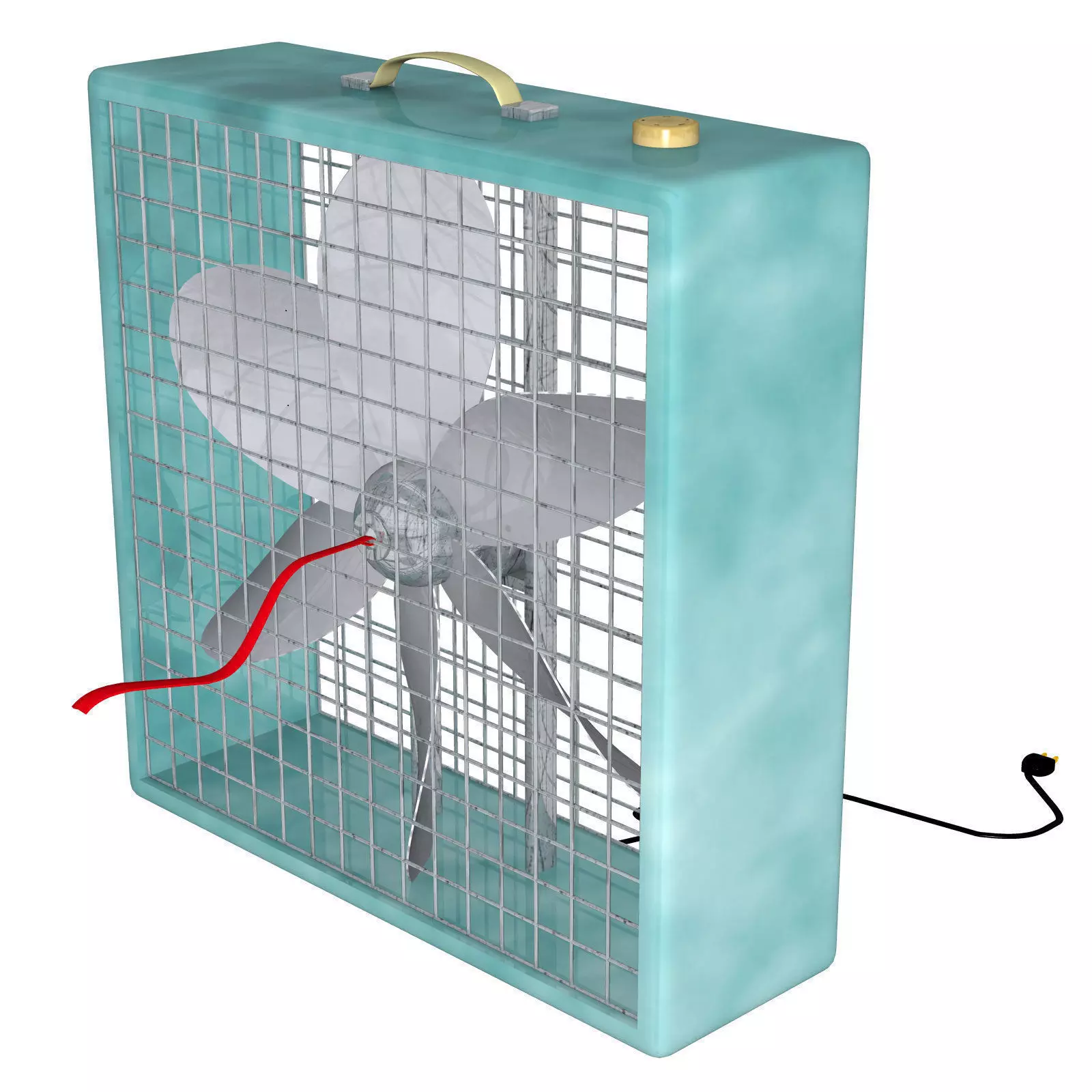
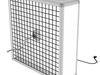
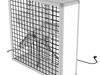
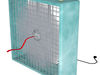
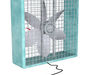
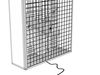
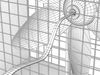
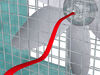
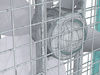
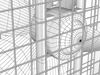
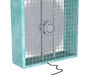
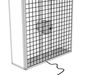
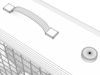
Product Description : Cool it with this Box Fan, comes with a blurred .png image for spinning blades. Must be used with transparency (alpha) If using in poser as an imported .obj to not have the spinning illusion plane showing. apply transparency setting 1.0 to material spinning. in the Material Room. (Also see #10 below Files List) This product is for use in any software that can open: FBX files (.fbx) and/or Wavefront object files.(.obj)
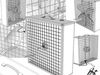
UV mapped All Quads and Tris (non-overlapping) Tested in : GLC Object Player, FBX review, Cheetah 3D, and Poser Pro 2014 Poser Dev (NOT EXCLUSIVELY FOR USE IN POSER.) Generally scaled but not exclusively for poser figures. Textures Included : This product uses image maps for textures. 1024 x 1024 Template (if included) : 1024 x 1024 File Format: FBX and/or Wavefront OBJ This product contains: FBX and/or OBJ files. Polygon Count : 22813 approx Vertices : 22591 approx Poser Tips: Import obj with only (normals consistent checked) Objects can be separated in Edit Tools > Grouping Tool

5) System Compatibility : All systems Compatible

6) Software Compatibility : Any software that will import fbx and/or Wavefront object files.

7) 3rd party products needed to use this product (if any) NONE

8) Installation Instructions:
Unzip to a folder of your choice.

9) Usage Instructions: Import unzipped content to a folder of your choice. For Best results set base colors to: Diffuse-------------------------------White(color)or supplied Texture map. Specular-----------------------------Black or supplied Texture map. reflection----------------------------Black or supplied Texture map. transparency-----------------------Black or supplied Texture map. emissive-----------------------------Black or supplied Texture map. (Adjust as desired for your specific software package)

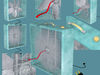
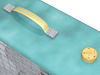
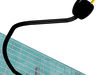
Material zones : Material zone name Texture map namePlug Cord and Plug.jpgCord Material BlackSpinning Spin_Illusion.pngWindRibbon Windribbon.jpgFanMetal BoxFanMetal.jpgHandle Material CreamControlKnob ControKnob.jpgBlade Blade.jpgFanFrame BoxFanFrame.jpg

10) Files List :DocumentsBlade.jpgBoxFan.fbxBoxFan.mtlBoxFan.objBoxFanFrame.jpgBoxFanMetal.jpgControlKnob.jpgCord and Plug.jpgSpin_Illusion.pngWindribbon.jpg

The developer owns the copyright and/or has the rights todistribute all of the content contained within this ZIP file.

REVIEWS & COMMENTS

See what other buyers think about this model - real feedback on quality,
accuracy, and usability.
There are no reviews or comments yet. Please be the first one to write it.
BEST PRICE GUARANTEED
Found this model cheaper on another marketplace? Let our support team know - we’ll match it.

Box Fan FBX OBJ 3D model

Royalty Free License
Hire
Like this model to show appreciation to the designer.
See how many times this model was viewed.
Share this model to support the designer and boost their visibility.
File formats
OBJ
OBJ | 2 files<br />File Size: 13.8 MB
FBX
Autodesk FBX<br />Version: FBX_OBJ<br />File Size: 6.91 MB
Verified by CGTrader
Verified models are of higher quality as they have
passed CGT Standard technical and visual checks,
making them more professional-grade 3D assets.
Learn more.
FBX
This FBX file has successfully passed the CGT Standard technical and visual checks. The verification results are detailed in the section below.
File & scene
Binary FBX
Binary FBX file is more compact and faster to load and process.
Learn more
No unsupported objects
Unsupported objects:
- Lights
- Cameras
Learn more
Geometry
No N-gons
N-gons are polygons with five or more sides which might cause issues in certain processes like rendering or animation. Learn more
No faceted geometry
Faceted geometry uses flat surfaces without smoothing, which can look unrealistic on curves.
Learn more
Manifold geometry
Manifold geometry ensures all surfaces are properly connected, avoiding issues like edges shared by more than two faces.
Learn more
Textures & material
PBR textures
PBR textures simulate how light interacts with materials, making the model look realistic under different lighting.
Required PBR textures:
- Base Color
- Roughness
- Metalness
- Normal
Learn more
No embed textures
Embedded textures are stored inside the model file, increasing its size and sometimes causing compatibility issues.
Learn more
Square textures
Texture aspect ratio is the width-to-height ratio of a texture. Expected texture aspect ratio: 1:1
Learn more
Power of 2 texture sizes
Textures with dimensions in power of two (e.g. 512x512px, 1024x1024px) are used to optimize performance and memory usage.
Learn more
Assigned materials
Materials are applied to the 3D model to allow visualize a model's surface properties and appearance.
Learn more
UVs & naming
No UV overlaps
UVs overlap when multiple points on the 3D model's surface are mapped to the same point on the UV island causing texture stretching.
Learn more
UV unwrapped model
A UV unwrapped model means its 3D surface is flattened into 2D space, allowing textures to be applied accurately.
Learn more
Allowed characters
Allowed ASCII characters: a-zA-Z0-9-_
Learn more
Provided by designer
Information and details shared directly by the model's designer.
3D Features
The model includes animations (movement or actions) that can be played in supported software or engines.
The model has a skeleton or bone structure, making it ready for posing or animation.
PBR
Uses Physically Based Rendering materials, which give the model realistic lighting and surface properties.
Textures
The model includes image files (textures) that add color, patterns, or detail to its surfaces.
Materials
The model has material settings that define how surfaces look (color, shine, transparency, etc.).
UV Mapping
The model's surfaces are mapped to a 2D image, allowing textures to display correctly.
Plugins Used
Some external plugins were used to create the model. These may be required for full functionality.
3D printing
Indicates whether the designer marked this model as suitable for 3D printing.
Model is not 3D printable
The designer indicates this model is intended for digital use only (rendering, animation, or AR/VR) and not for 3D printing.
Geometry
Polygon mesh
A model built from polygons (triangles or quads) connected in a mesh.
22813 polygons
The total number of polygons (flat shapes) that make up the 3D model.
/ 22591 vertices
The number of points (corners) that define the shape of the model's polygons.
Unwrapped UVs
Publish date
Model ID
Chat