DESCRIPTION

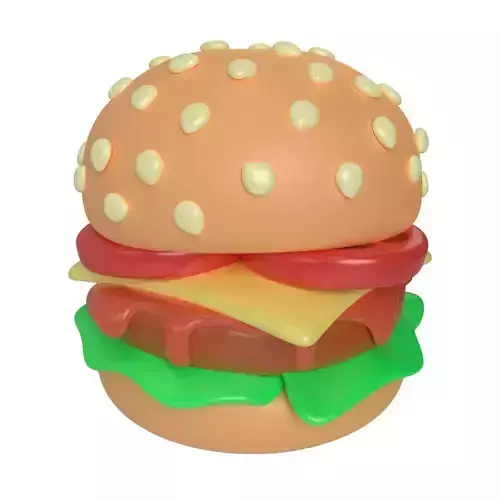
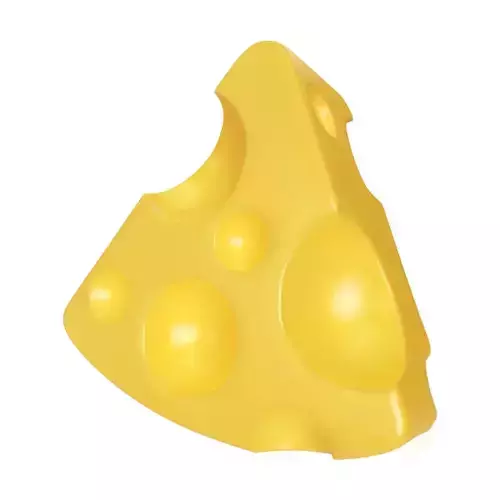
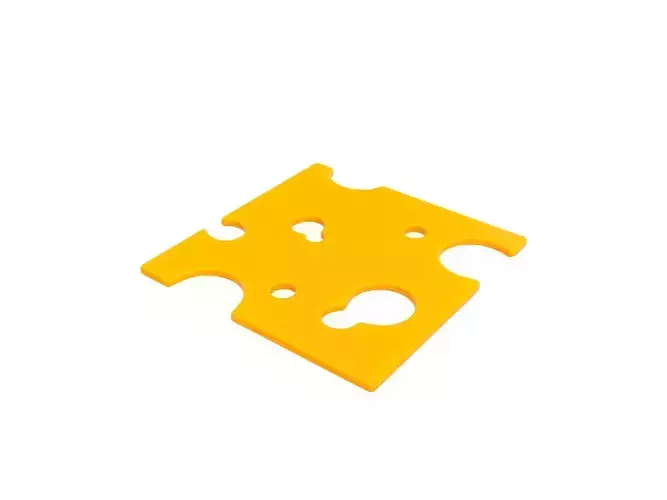
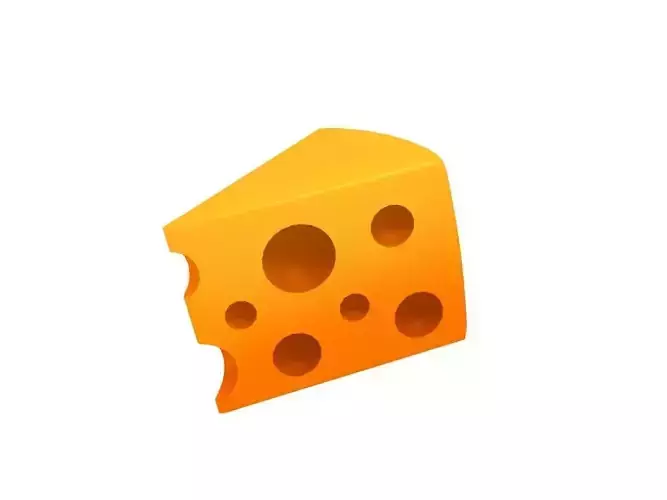
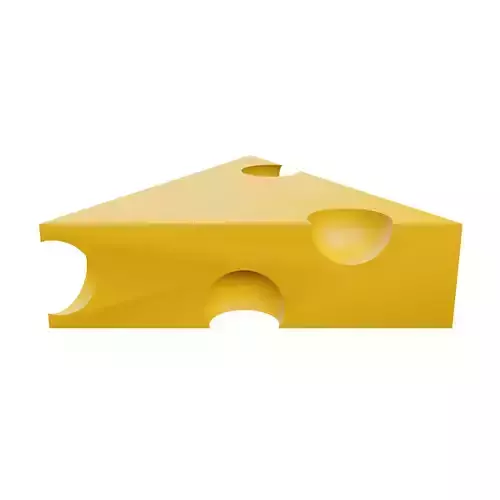
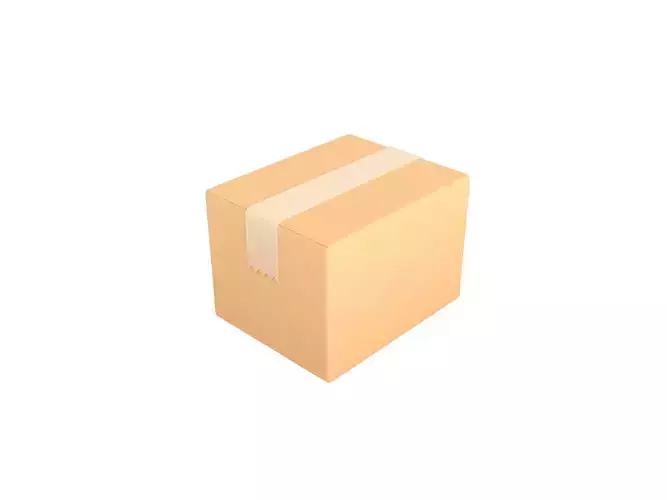
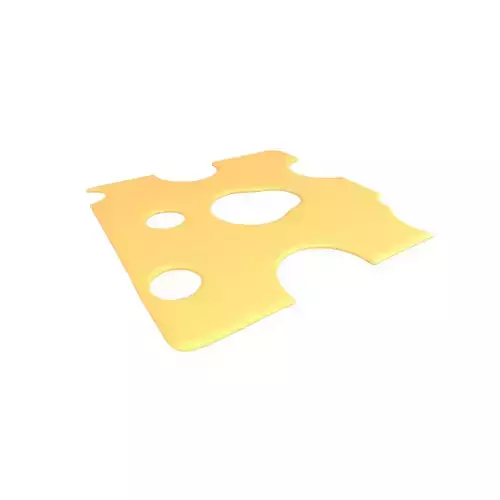
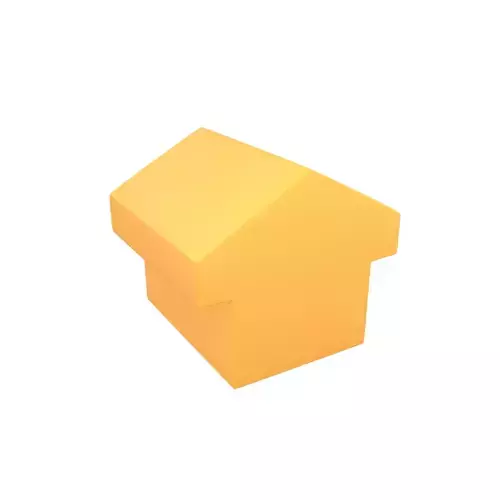
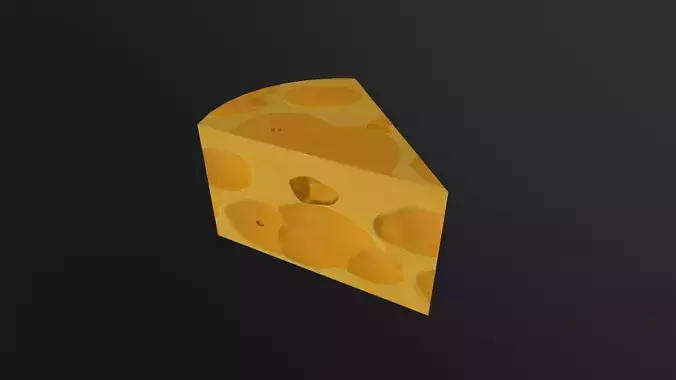
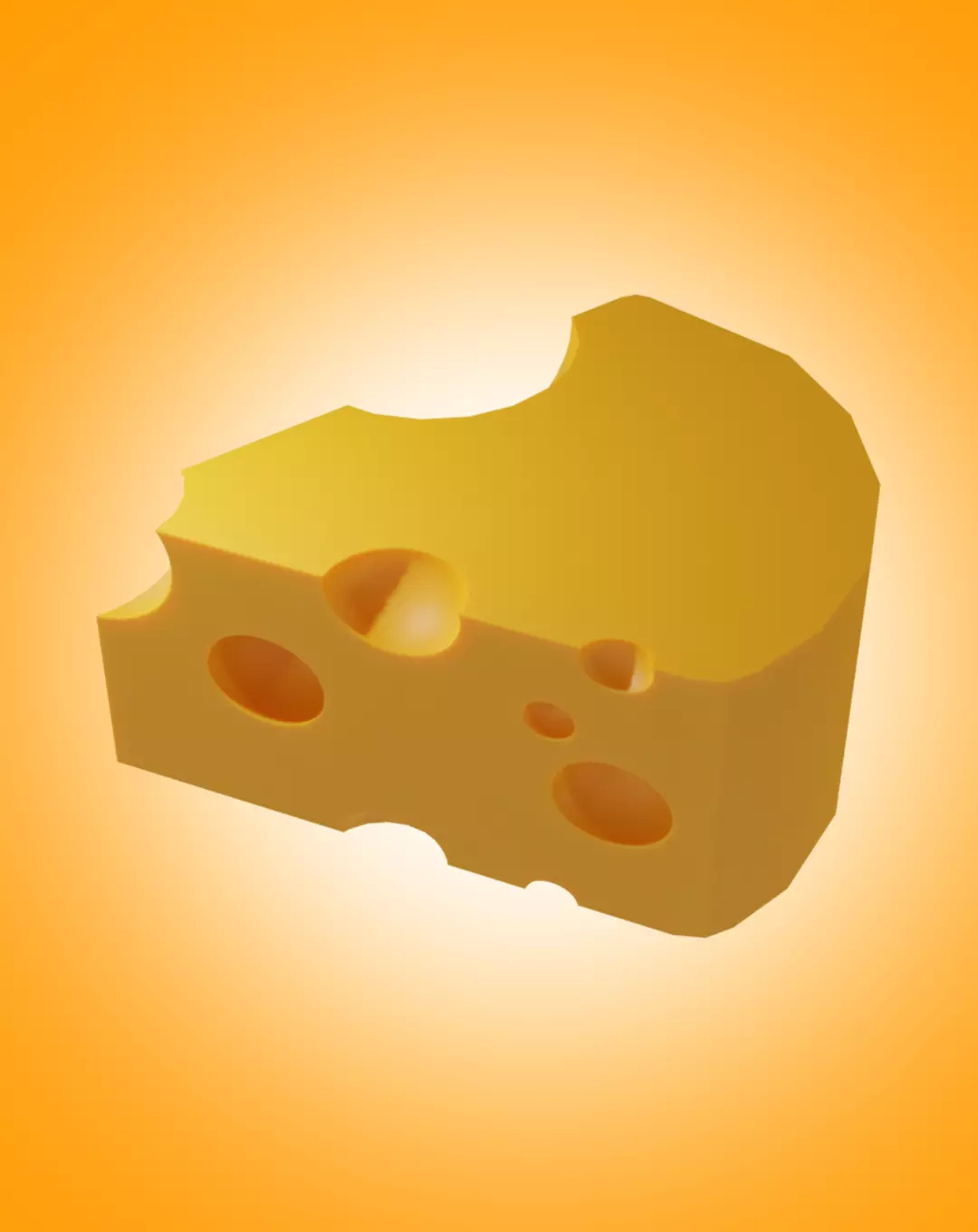
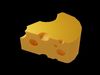
The cheese 3D model created in Blender is a masterpiece of digital artistry. Every detail, from the texture and color to the intricate contours and crevices, has been meticulously crafted to bring the virtual cheese to life. The model showcases the rich, creamy essence of cheese, enticing viewers with its realistic appearance. The use of advanced rendering techniques in Blender ensures that the cheese model looks appetizing and almost good enough to eat. This digital creation opens up endless possibilities for creative projects, such as advertisements, animations, or even virtual cooking experiences, where the cheese can be showcased and admired from all angles.Creating a 3D model of cheese using Blender is a delightful endeavor that brings together the worlds of digital art and culinary delight. Blender, a powerful and versatile 3D modeling software, allows artists to meticulously craft every detail of their creations, including the texture, color, and shape of the cheese.

To begin, a 3D artist would start by analyzing real cheese to understand its unique characteristics. From the rich yellow hues to the intricate patterns and irregularities, the goal is to recreate the essence of cheese in the virtual realm. Using Blender's robust toolset, the artist can sculpt and mold the cheese's shape, ensuring it has the appropriate form and contours.

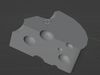
Texture plays a vital role in creating a realistic cheese model. Blender provides a wide array of texturing options, enabling the artist to replicate the various textures found in different cheese varieties, from the crumbly nature of feta to the smoothness of Brie. By skillfully applying materials and utilizing advanced techniques like bump mapping, the artist can bring the model to life, making it look tempting enough to take a bite.

Lighting is another crucial aspect when creating a cheese 3D model. Properly placed lights and accurate reflections help accentuate the model's form and enhance the illusion of depth and realism. Shadows add depth, while highlights make the cheese appear glossy and appetizing.

A great advantage of working in a digital environment is the ability to iterate and experiment freely. Artists can adjust and refine their cheese model until it achieves the desired level of accuracy and aesthetic appeal. They can also create multiple versions, exploring different cheese types, such as cheddar, Swiss, or Gouda, each with its own unique characteristics.

Ultimately, a well-executed cheese 3D model in Blender is a testament to the artist's attention to detail and mastery of the software. It showcases the versatility of Blender as a tool for creating mouth-watering visuals that can be used in various applications, from advertising campaigns and product design to virtual environments or even animations that tell the story of cheese's delicious journey from the farm to the table.

REVIEWS & COMMENTS

See what other buyers think about this model - real feedback on quality,
accuracy, and usability.
There are no reviews or comments yet. Please be the first one to write it.
BEST PRICE GUARANTEED
Found this model cheaper on another marketplace? Let our support team know - we’ll match it.

Crafting a Realistic 3D Model of Cheese Using Blender Low-poly 3D model

Royalty Free License
Hire
Like this model to show appreciation to the designer.
See how many times this model was viewed.
Share this model to support the designer and boost their visibility.
File formats
BLEND
Blender<br />Renderer: Cycles 3.0.<br />File Size: 1.09 MB
FBX
Autodesk FBX<br />File Size: 104 KB
MA
Autodesk Maya<br />Renderer: Arnold<br />File Size: 258 KB
Verified by CGTrader
Verified models are of higher quality as they have
passed CGT Standard technical and visual checks,
making them more professional-grade 3D assets.
Learn more.
FBX
This FBX file has successfully passed the CGT Standard technical and visual checks. The verification results are detailed in the section below.
File & scene
Binary FBX
Binary FBX file is more compact and faster to load and process.
Learn more
No unsupported objects
Unsupported objects:
- Lights
- Cameras
Learn more
Geometry
No N-gons
N-gons are polygons with five or more sides which might cause issues in certain processes like rendering or animation. Learn more
No faceted geometry
Faceted geometry uses flat surfaces without smoothing, which can look unrealistic on curves.
Learn more
Manifold geometry
Manifold geometry ensures all surfaces are properly connected, avoiding issues like edges shared by more than two faces.
Learn more
Textures & material
PBR textures
PBR textures simulate how light interacts with materials, making the model look realistic under different lighting.
Required PBR textures:
- Base Color
- Roughness
- Metalness
- Normal
Learn more
No embed textures
Embedded textures are stored inside the model file, increasing its size and sometimes causing compatibility issues.
Learn more
Square textures
Texture aspect ratio is the width-to-height ratio of a texture. Expected texture aspect ratio: 1:1
Learn more
Power of 2 texture sizes
Textures with dimensions in power of two (e.g. 512x512px, 1024x1024px) are used to optimize performance and memory usage.
Learn more
Assigned materials
Materials are applied to the 3D model to allow visualize a model's surface properties and appearance.
Learn more
UVs & naming
No UV overlaps
UVs overlap when multiple points on the 3D model's surface are mapped to the same point on the UV island causing texture stretching.
Learn more
UV unwrapped model
A UV unwrapped model means its 3D surface is flattened into 2D space, allowing textures to be applied accurately.
Learn more
Allowed characters
Allowed ASCII characters: a-zA-Z0-9-_
Learn more
Provided by designer
Information and details shared directly by the model's designer.
3D Features
The model includes animations (movement or actions) that can be played in supported software or engines.
The model has a skeleton or bone structure, making it ready for posing or animation.
PBR
Uses Physically Based Rendering materials, which give the model realistic lighting and surface properties.
Textures
The model includes image files (textures) that add color, patterns, or detail to its surfaces.
Materials
The model has material settings that define how surfaces look (color, shine, transparency, etc.).
UV Mapping
The model's surfaces are mapped to a 2D image, allowing textures to display correctly.
Plugins Used
Some external plugins were used to create the model. These may be required for full functionality.
3D printing
Indicates whether the designer marked this model as suitable for 3D printing.
Model is not 3D printable
The designer indicates this model is intended for digital use only (rendering, animation, or AR/VR) and not for 3D printing.
Geometry
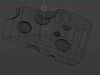
Polygon mesh
A model built from polygons (triangles or quads) connected in a mesh.
5000 polygons
The total number of polygons (flat shapes) that make up the 3D model.
/ 4555 vertices
The number of points (corners) that define the shape of the model's polygons.
Unwrapped UVs
Publish date
Model ID
Chat